The remote quits halfway through a show. You dig two batteries out of the kitchen drawer, click them in, and nothing happens. You roll them around in the compartment, press harder, get one channel change, then silence again. Both batteries go in the trash, and a fresh pair goes in.
This is not your fault, and the batteries may not have been the whole problem. The metal ends and the contacts they touch pick up a thin film over time, and current has a harder time getting through it. That’s why Energizer’s battery care guide tells people to keep contact surfaces clean by gently rubbing them with a clean pencil eraser or a cloth.
What the eraser actually removes
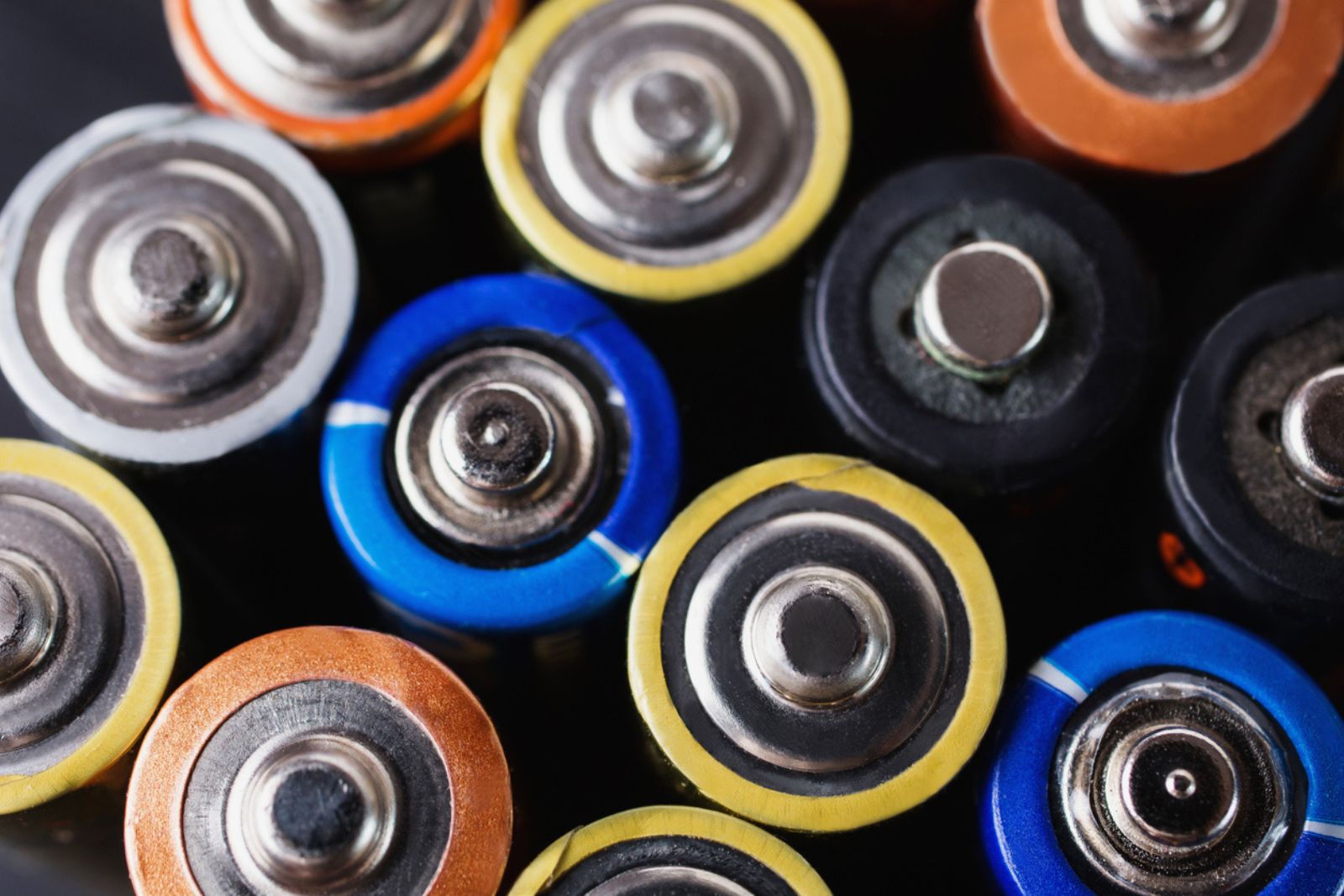
Battery retailer Batteries Plus explains that corrosion, dirt and moisture build up on terminals and contacts and cut how efficiently power moves from the battery to the device. Its advice for household batteries matches Energizer’s: rub the battery ends and the compartment contacts with a clean pencil eraser or a rough cloth every time you change batteries.
SlashGear’s Olivia Richman lists what that rubbing may lift: dirt, grease, and the nickel or iron oxide that starts to form on the terminals. With cleaner contact, more of a weak battery’s remaining power reaches the device. She also debunks a popular myth: rubbing an eraser on a battery does not create a charge. It can help you use up the last of a tired battery, but a dead one stays dead.
How to clean the contacts
- Take the batteries out and look at both ends and at the springs. A white, powdery crust means a leak, so skip to the safety section below.
- Rub each end of the battery with a clean pencil eraser, firmly but gently, until the metal looks shiny.
- Do the same to the metal tabs and springs inside the compartment.
- Wipe away the eraser crumbs with a cotton swab dampened with isopropyl alcohol, as SlashGear suggests, and let everything dry.
- Put the batteries back following the + and – marks, one of the basic rules on Energizer’s list.
Plan B: no eraser handy? A clean cloth works too, according to both Energizer and Batteries Plus. For rechargeable batteries, Energizer adds rubbing alcohol to the options and says dirty contact points are a primary cause of charging trouble.
It’s worth a minute this month for anything that runs on AA or AAA, from the remote to the flameless candles in a wine-glass table lamp.
When an eraser won’t help
A white crust is leaked electrolyte. In household alkaline batteries that’s potassium hydroxide, and Energizer says the leakage is caustic and can burn skin. Wear gloves and eye protection, take the batteries out and bag them for disposal. Energizer’s fix is to dab the residue with a few drops of white vinegar or lemon juice, using an old toothbrush on stubborn spots, then dry the area once the fizzing stops. Only after that do you scrape the contacts and polish them with an eraser.
A few habits keep the problem from coming back. Energizer says to replace all the batteries in a device at the same time, never to mix old and new batteries or different brands and types, to take batteries out of devices you won’t use for a long stretch and to keep batteries away from heat. Bob Vila notes that leaks can damage both the contacts and the circuitry, so a device that still won’t work after a careful cleaning may need repair.
A clean eraser on both ends, every time you swap batteries. That’s the trick.