The Wi-Fi in the living room works great. Videos load fast. The speed test says everything is fine. Walk to the back bedroom and the same phone freezes on a single video. Sit on the porch and the doorbell camera drops off. Try the guest room and a video call turns into a slideshow.
Most people blame the internet company. Some blame the router and go shopping for a new one. A few give up and drop a few hundred bucks on a mesh Wi-Fi kit.
Almost none of that fixes it. The router probably isn’t broken. The internet plan is probably fine. Something else in the house is quietly killing your signal.
Your Wi-Fi doesn’t shoot in a straight line
Think of your router like a table lamp. It doesn’t send a beam at your phone. It gives off signal in every direction at once, like light off a bulb. Whatever is close gets the most. Whatever is far, upstairs, or on the other side of a wall gets the leftovers.
Now picture where your router actually sits. Nine times out of ten, it’s in the same corner where the internet cable comes in from the street. That means half of that “bulb” is aimed at your neighbor’s yard, and the other half has to fight through your whole home.
The Federal Communications Commission (FCC), the US agency that regulates all things wireless, gives one simple tip on its home network guide: keep your router in a central spot. That’s the number-one piece of advice from the people who regulate this stuff, and almost no home follows it.
Your walls are eating your signal
You’ve probably never thought of your house as an obstacle course, but for Wi-Fi it is one. Every wall, floor, and appliance between the router and your phone steals a bit of signal.
Back in 1997, the National Institute of Standards and Technology (NIST), the US government’s official measurement lab, tested how much signal each common building material blocks. Drywall and wood barely touch it. Brick takes a real bite. Concrete blocks take a big bite. Solid concrete with steel bars inside blocks a huge amount. Metal blocks almost all of it: the signal literally bounces off.
You probably don’t have a concrete wall in the middle of your house, but you almost certainly have sneaky signal killers you never noticed. Steel studs behind newer drywall. Metal ducts in the ceiling. A big mirror in the bathroom or hallway (the shiny backing acts just like a metal wall). A fish tank (water is one of the best Wi-Fi blockers there is). A brick fireplace running floor to ceiling right in the middle of the house.
And then there’s the appliance that fights your Wi-Fi on purpose
This one shocks people. Your microwave oven runs on almost exactly the same frequency your Wi-Fi uses.
Both live in the 2.4 GHz range. Both. A microwave is a metal box built to keep that energy inside so it cooks your food, but even a brand-new one leaks a little while it’s running. That leak is enough to mess with any Wi-Fi nearby. This isn’t a rumor. It’s documented in engineering studies published through the National Institutes of Health (NIH) and in US patents filed with the US Patent and Trademark Office, which name microwaves as a known Wi-Fi interference source.
So if the router sits on the kitchen counter next to the microwave, every cup of reheated coffee costs you Wi-Fi. Baby monitors, older cordless phones, and Bluetooth speakers pile onto the same crowded lane too.
Add up walls, mirrors, water, metal ducts, and a microwave firing on the same frequency, and it starts to sound like your house is doing everything it can to strangle your signal. But here’s the twist. Almost none of that would matter as much if the router was somewhere else in your home. The real damage isn’t done by any single obstacle. It’s done by one simple, everyday decision almost every family gets wrong from the day the router is first set up.
The real problem: you’re hiding your router in the worst spot in the house
Look at where your router lives right now. Odds are it’s tucked inside a low TV cabinet, hiding in a closet, sitting on the floor in a corner, or parked next to the fridge and microwave. Most people hide it on purpose. It’s ugly, it blinks, and it has cables coming out of it.
Every one of those hiding spots does the same thing. It wraps the router in signal-blocking stuff and points the leftover signal into the floor, a wall, or straight out of the house.
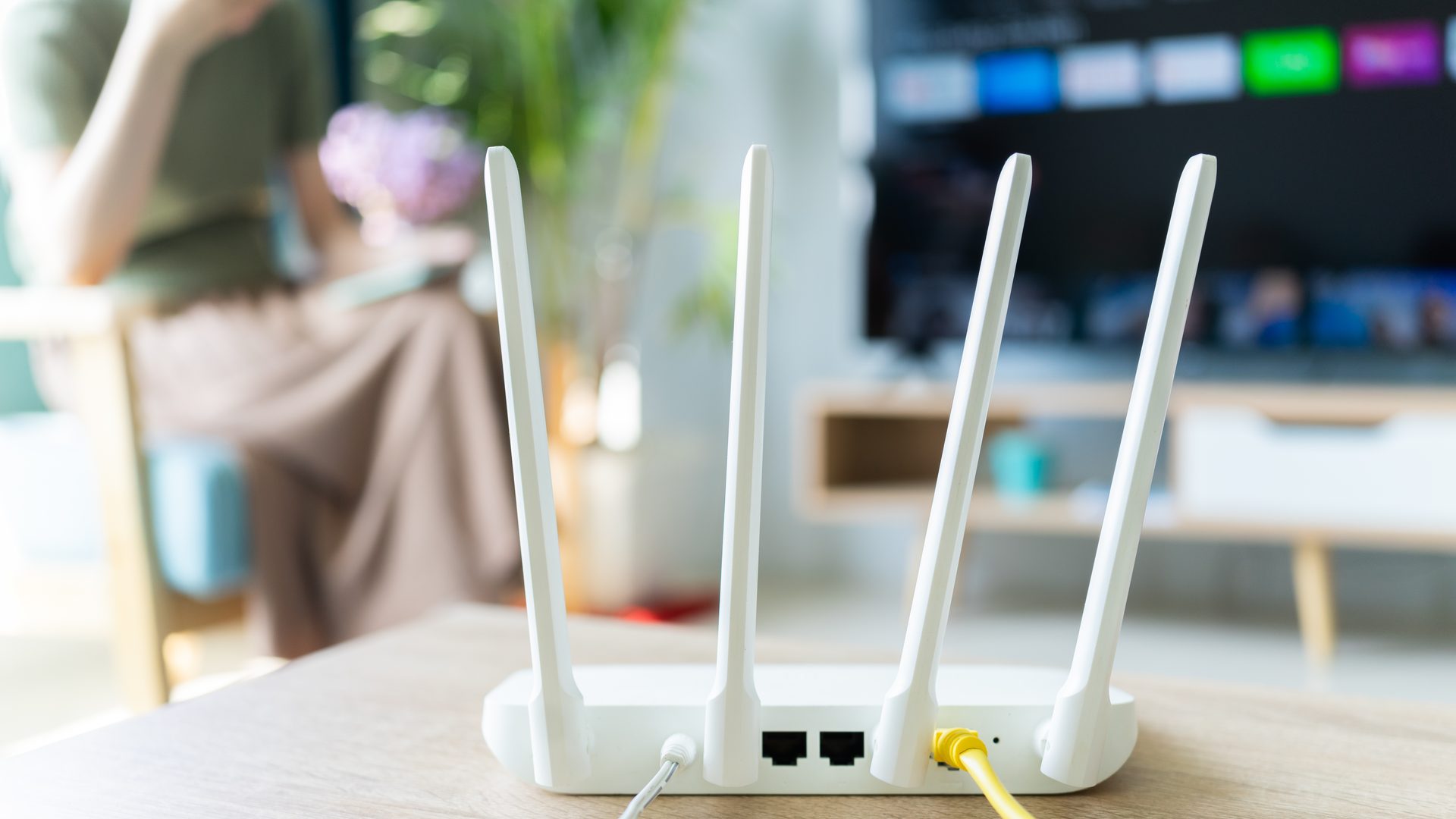
One more thing almost nobody knows. If your router has those little stick antennas, the signal doesn’t shoot out of the tip. It broadcasts in a ring shape around the antenna. So a router lying flat with the antennas folded down is aiming its strongest signal at the ceiling and floor, and its weakest at the rooms you actually use.
None of this is your router’s fault. It’s placement. And placement is free.
The fix: move the router to the one spot most people overlook
Not the living room. Not your office. A central, open, elevated spot, up around head height, in the middle of your house. For most American homes that’s a hallway shelf, the top of a bookcase in a central hall, or a wall mount on an inside wall between the main rooms.
Do this, in order:
- Find the center of your home, not the room the cable enters. Walk through the rooms where you actually use Wi-Fi and pick a spot roughly the same distance from all of them. A central hallway usually wins.
- Get the router off the floor. Aim for 5 to 7 feet up (about 1.5 to 2 meters), on a shelf, bookcase, or wall mount. That lifts the signal into your rooms instead of the floorboards.
- Keep it a few feet from the big signal killers. The fridge, microwave, dishwasher, fish tank, brick fireplace, or any large mirror.
- Point the antennas up. One-story house, both straight up. Two-story house, one straight up and one tilted about 45 degrees.
- Get it out of any cabinet, closet, or drawer. Even an open cabinet door soaks up signal.
- Run a longer ethernet cable if you have to. A flat 25 or 50-foot cable (about 8 to 15 meters) runs $10 to $20 and tucks along a baseboard in one afternoon. Everything else on this list is free.
- Test before and after. Run a speed test in your worst dead zone. Move the router. Wait five minutes. Test again. The difference is usually obvious the same day.
Most American homes under about 2,000 square feet (roughly 185 square meters) don’t need a mesh system or a signal booster. They need the router in a better spot. Total cost: zero dollars if the modem and router move together, ten to twenty bucks for a longer ethernet cable if they don’t, and about ten minutes of your afternoon.
Sources: (1) Federal Communications Commission, Home Network Tips; (2) National Institute of Standards and Technology, Electromagnetic Signal Attenuation in Construction Materials (NISTIR 6055); (3) National Institutes of Health / PMC, Impact of High Power Interference Sources in the 2.4 GHz Frequency Band (microwave oven interference study); (4) US Patent and Trademark Office, Microwave interference mitigation (Patent 10,477,585).